Control any device you connect

About Crystal
Crystal converts plain-text goals into reliable workstation actions. It sees what’s on screen, clicks, types, navigates, and ships results across your apps no APIs required.
Unlike brittle RPA or plugin-only bots, Crystal reasons about what’s on screen and interacts like a human. If a button moves or a label changes, it aims to adapt rather than break.
Control any device you connect
Types, clicks & scrolls like a human
No API integrations needed
Replayable, versioned runs with logs & artifacts
Human-in-the-loop approvals for sensitive steps

Website and Product Monitoring
Monitors your site’s health, analyzes visitor flows, detects errors, downtime, and performance issues, and automatically alerts developers keeping the user experience consistently optimal.

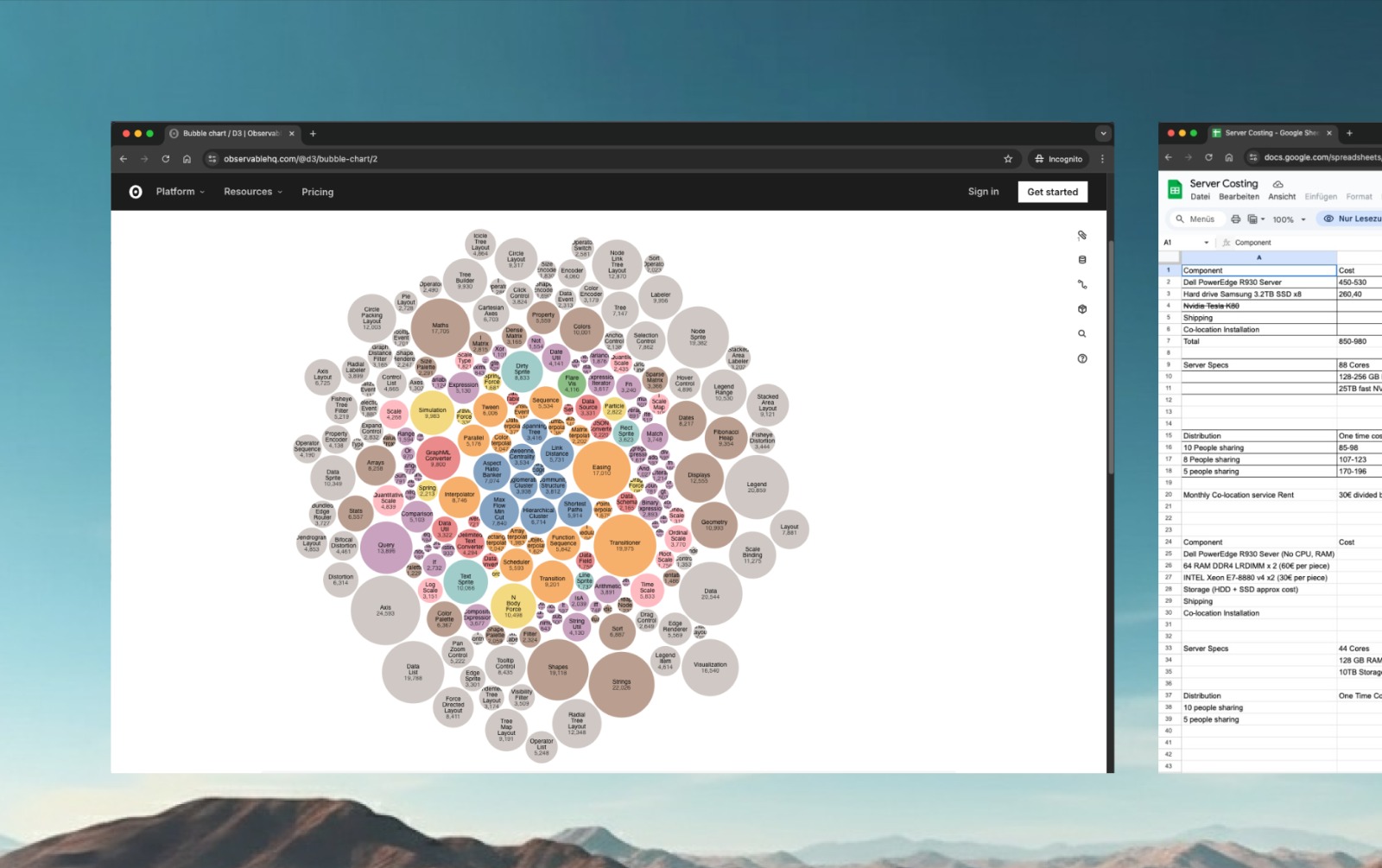
Innovation Scout
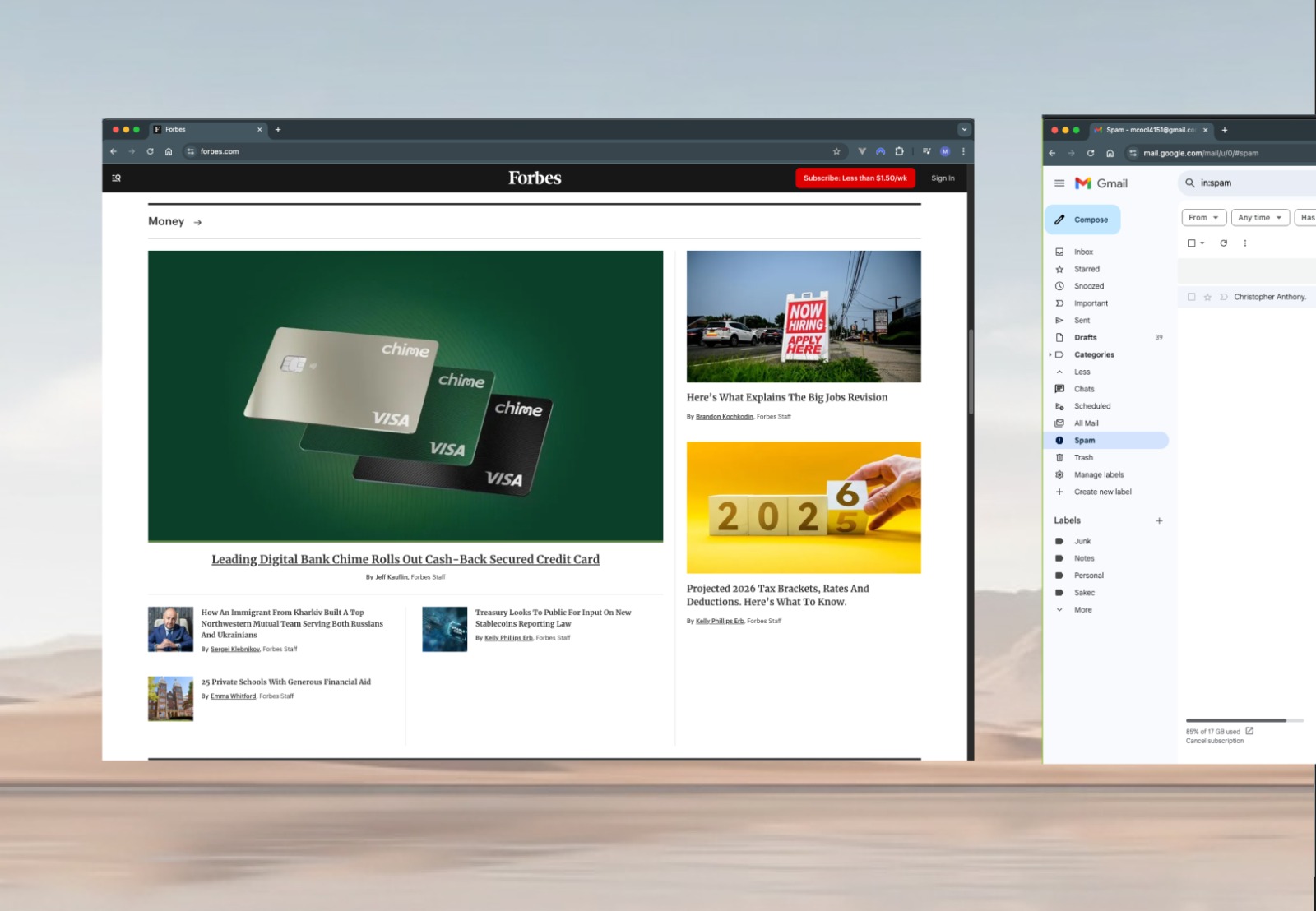
Each day, Crystal scans the web for emerging technologies, relevant startups, market trends, and standout best practices delivering an automatically generated innovation report every morning.
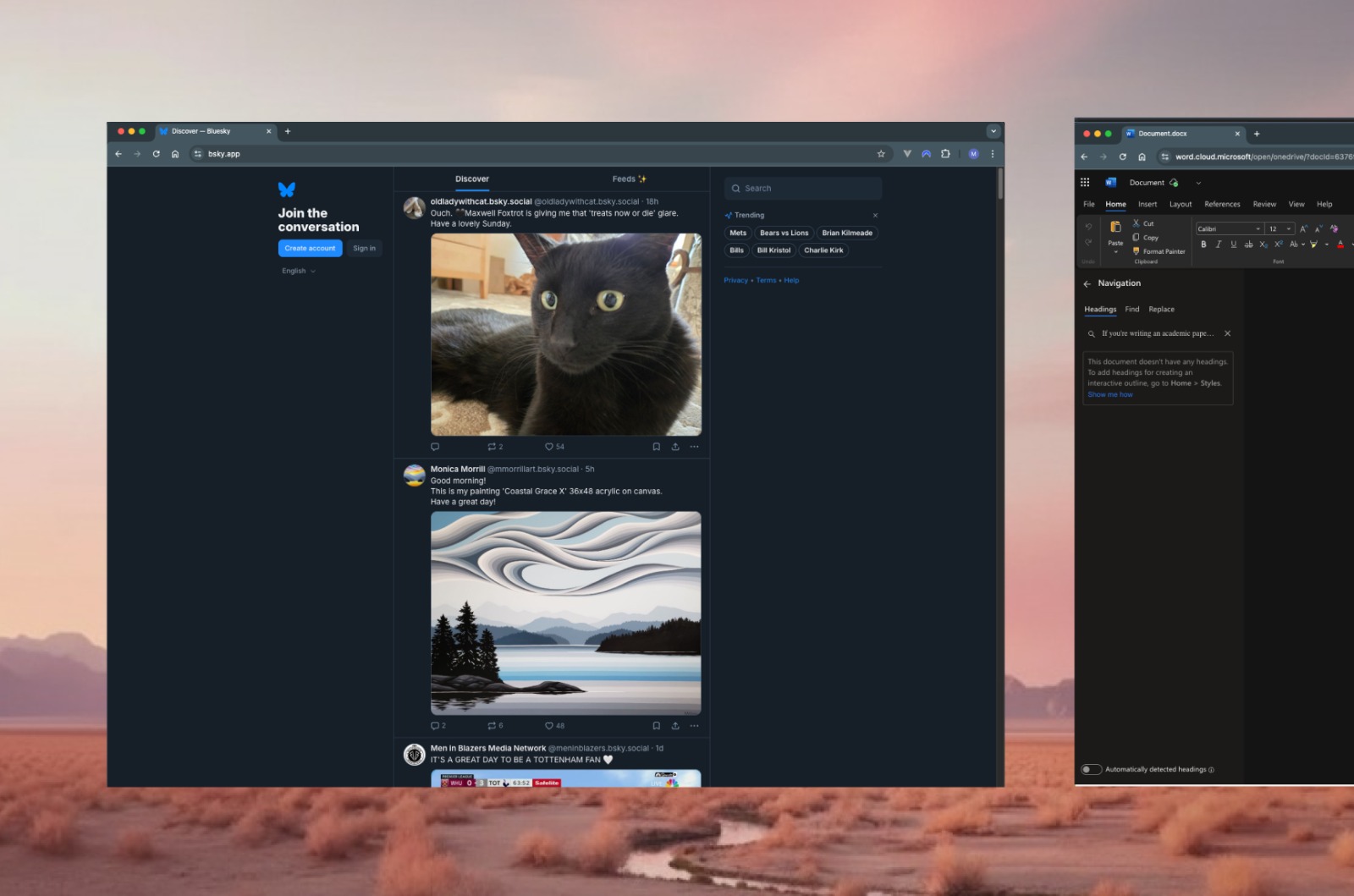
Social Media Growth Manager
Crystal scans emerging trends, auto creates posts with graphics and video, schedules for peak impact, and continuously analyzes performance fully autonomous so your marketing team can focus on strategy.
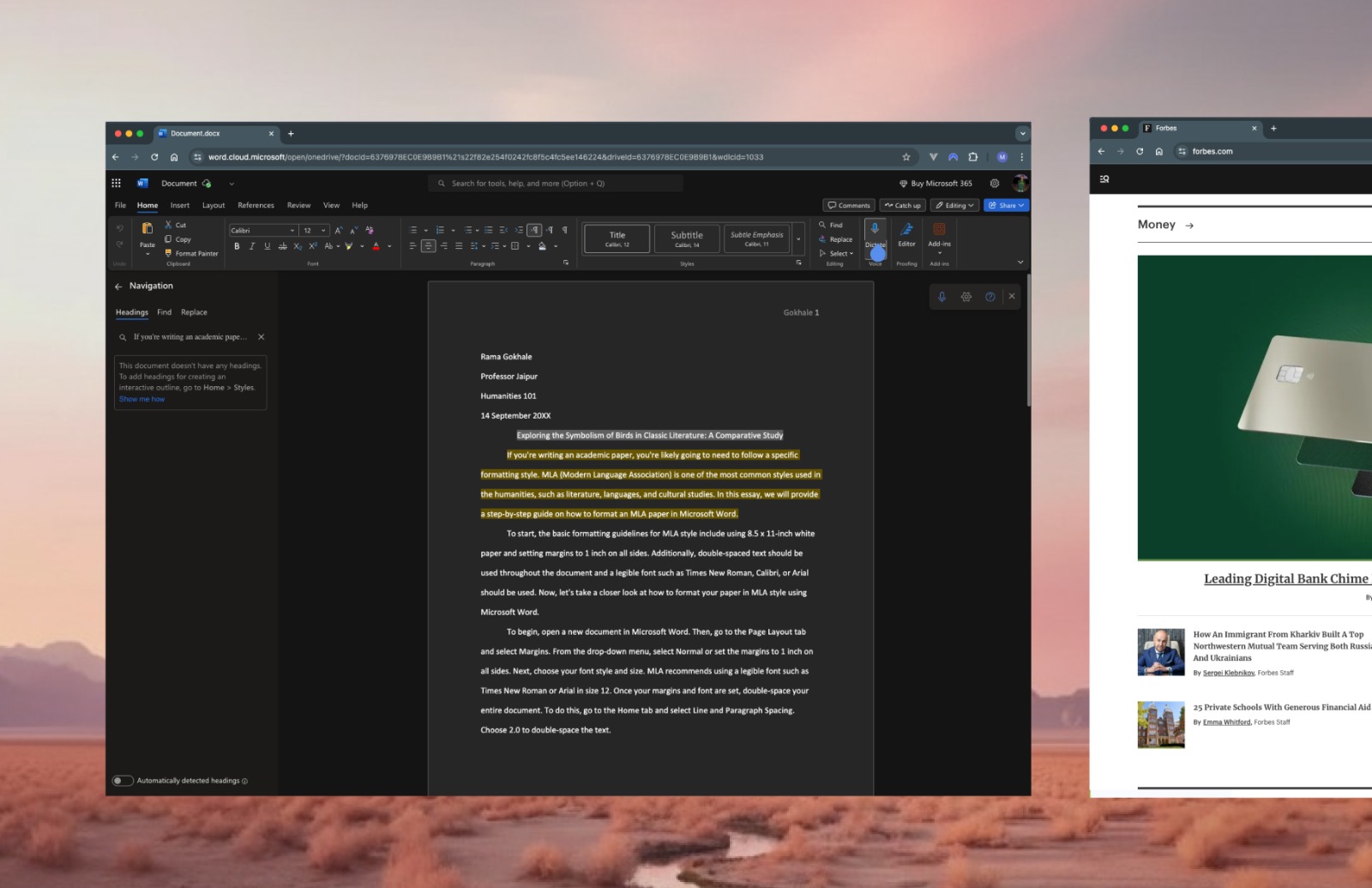
Proactive Competition Monitoring
Crystal tracks competitors’ social channels and auto-generates activity reports so you can anticipate moves and stay ahead.
Crystal is an AI agent that can use a computer like a person — seeing what’s on screen, clicking, typing, selecting menus, and filling forms to complete tasks in web and desktop apps.
You describe the goal in natural language. Crystal plans the steps and carries them out with a virtual mouse and keyboard on a computer you connect. Because it operates through the UI, it can help even when an app has no API.
Examples include gathering data from web apps, updating spreadsheets, filing forms, triaging inboxes, downloading and renaming reports, reconciling records across systems, and other repeatable multi-step workflows.
Crystal reasons about what’s on screen and interacts like a human, so it’s not limited to predefined APIs or brittle selectors. If the UI changes (e.g., a button moves or a label updates), Crystal aims to adapt rather than break.
If a person can use it on the connected computer, Crystal can likely use it too. You can also combine actions across multiple apps in one workflow.
No. You decide when Crystal can take control. Sessions are permission-based, and you can pause, stop, or revoke access at any time. We recommend granting the minimum access needed for each task.
Crystal is designed with consent and transparency in mind: you approve sessions, and you can review what it did. It won’t attempt to bypass 2FA or CAPTCHAs, and we encourage using secret managers or browser password vaults rather than exposing plaintext credentials on screen.
By default, Crystal retains only what’s needed to execute your task and provide an audit trail. You can configure retention to meet your policies, including redaction of sensitive fields and automatic deletion after completion.
Highly dynamic pages, unexpected pop-ups, strict rate limits, or long-running jobs may require guardrails or human review. For regulated actions (payments, identity changes, production deploys), we recommend a human-in-the-loop step.
Yes. You can templatize common tasks, add pre-checks and post-checks, and require approvals for risky steps. Crystal can also log actions for auditing and hand off to a human when ambiguity or policy triggers occur.


Choose a task & build an automation pipeline in minutes. Join the waitlist now.